Start
Getting started
Twenty minutes from nothing to a first dependency: start
Sanshain, log in, mint a token, provide one spec as a
Producer and require one endpoint as a
Consumer, first with curl, then with a client.
Run it#
Docker with SQLite#
The image uses SQLite by default and keeps the database under /data. Mount a volume
so it survives the container:
docker run -p 3000:3000 -v sanshain-data:/data ghcr.io/paxel/sanshain-service:latest
Migrations run on startup. The service listens on port 3000 (BIND_ADDRESS changes
that).
Docker with PostgreSQL#
Set DATABASE_URL and Sanshain uses PostgreSQL instead; the backend is detected from
the URL.
docker run -p 3000:3000 \
  -e DATABASE_URL=postgres://user:pass@host:5432/sanshain \
  ghcr.io/paxel/sanshain-service:latest
docker-compose.release.template.yaml
in the repository is a Compose file for the SQLite setup; for PostgreSQL add the
DATABASE_URL above to its environment. Helm, scaling and backup are in
Deployment.
From source#
The toolchain is pinned in rust-toolchain.toml; cargo picks it up.
Without DATABASE_URL the service creates sanshain.db in the working
directory.
cargo run
# or a release build:
cargo build --release
DATABASE_URL=sqlite://sanshain.db ./target/release/sanshain_service
First login#
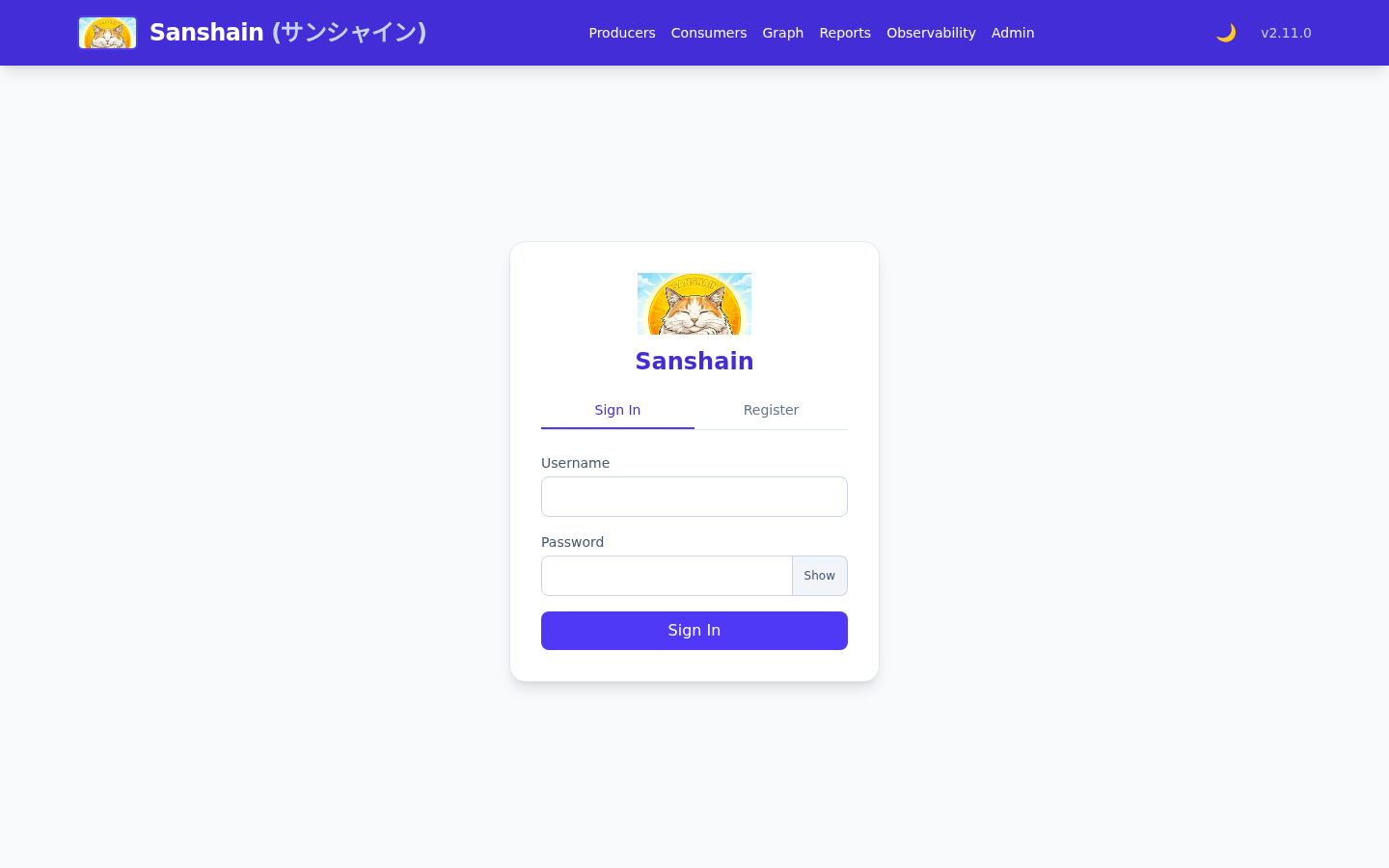
On the very first start, with no user in the database, Sanshain creates the initial admin and prints its password to the console (stderr):
[INITIAL SETUP] Admin user created. Username: root, Password: <random>
[INITIAL SETUP] Change this password immediately at http://0.0.0.0:3000/admin.html
The username is root unless INITIAL_ADMIN_USERNAME says otherwise, and
INITIAL_ADMIN_PASSWORD replaces the random password (set but empty, it counts as
unset). The address is PUBLIC_BASE_URL when set, otherwise the bind address
(BIND_ADDRESS, default 0.0.0.0:3000). This account is
root: its authority comes from configuration and cannot be
revoked from inside the application. When SANSHAIN_ROOT_USERS is set, that list alone
names the root accounts; otherwise the initial admin's username is root.
- Open
http://localhost:3000/and sign in with those credentials. - Open the account page (
/account.html) and change the password. -
Open
/admin.htmland choose the sign-in mode under Authentication: Local users for accounts kept by Sanshain, LDAP or OIDC for your company's directory. Until then the instance is in Off: only the admin signs in, and the API answers503. To start in a mode right away, setINITIAL_AUTH_MODE(for examplelocal) before the first start.
Letting users in#
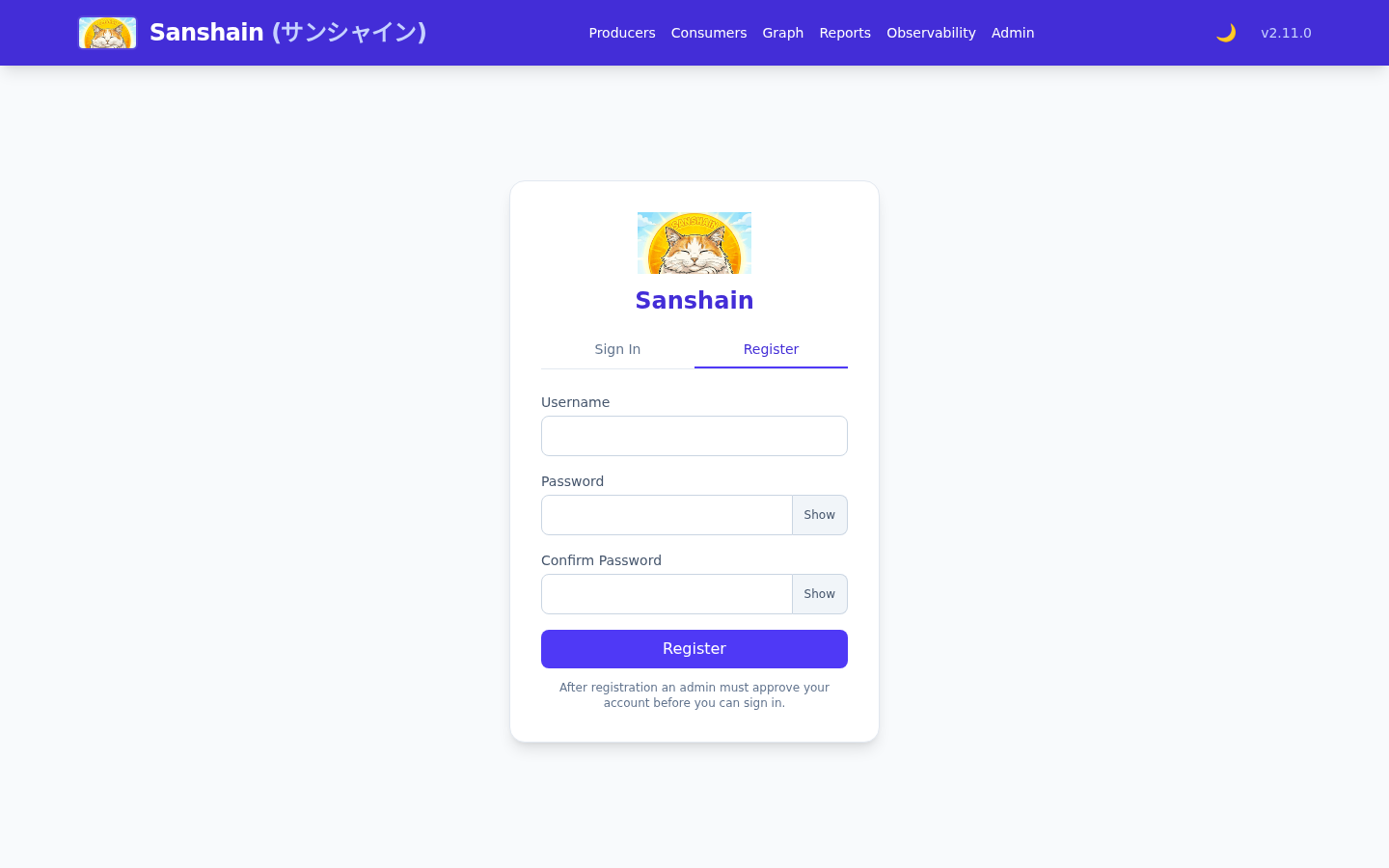
With LDAP or OIDC, colleagues sign in with their company account. With
Local users, turn on Registration below the mode: colleagues
then register themselves on the Register tab of the sign-in page, which is hidden while
registration is off. A new local account cannot log in until an administrator approves it: on
/admin.html, the Users section lists registered users with an
approve button. The Auto-acknowledge new users switch next to Registration
approves new accounts automatically, and the Register tab then says so; it is off by default. See
approval.
Mint an API token#
Every call from a build or a script authenticates with an
API token, never with a password. On
/account.html, under API Tokens, enter a name and an expiry in days,
leave Read-only (for AI / MCP clients) unticked for a token that will provide and
require, and create it. The raw token (san_ followed by 64 hex characters) is shown
once.
The same with the API: log in for a session token, then mint with it.
Request
curl -s -X POST http://localhost:3000/auth/login \
  -H "Content-Type: application/json" \
  -d '{"username":"root","password":"…"}'
Response
{ "token": "…" }Request
curl -s -X POST http://localhost:3000/auth/tokens \
  -H "Authorization: Bearer $SESSION" \
  -H "Content-Type: application/json" \
  -d '{"name":"laptop","expires_in_days":30}'
Response
{ "id": "…", "name": "laptop", "scope": "full", "token": "san_…" }
Export it as SANSHAIN_TOKEN for the rest of this chapter. A token's
scope is fixed at creation; a read_only token is
refused on every call below that changes something.
The first provide, by hand#
A provide sends the whole document. The
version is read from info.version; the caller
declares only the stability. Save this as
orders.yaml:
openapi: 3.0.3
info:
  title: Orders
  version: 1.0.0
paths:
  /orders:
    get:
      summary: List orders
      responses:
        "200":
          description: OK
  /orders/{id}:
    get:
      summary: One order
      parameters:
        - name: id
          in: path
          required: true
          schema: { type: string }
      responses:
        "200":
          description: OK
Request
curl -s -X POST http://localhost:3000/provide \
  -H "Authorization: Bearer $SANSHAIN_TOKEN" \
  -H "Content-Type: application/json" \
  -d "{
    \"producername\": \"orders\",
    \"stability\": \"snapshot\",
    \"openapi_yaml\": $(jq -Rs . < orders.yaml)
  }"
Response (202 Accepted)
{
  "version": "1.0.0",
  "stability": "snapshot",
  "content_hash": "sha256:…",
  "changes": { "inserts": 2, "updates": 0, "deletes": 0 }
}
Sanshain stored version 1.0.0 of the Producer orders as a
snapshot and split it into two endpoint
snippets. Run the same command again: the answer is
changes all zero and nothing is stored, the
idempotent no-op.
To release it, send "stability": "ga" with the same number. The snapshot is
promoted in place and the response adds
"promoted": true. Publishing GA needs the
releaser role; root has it. A user without it gets
403 and this message:
{ "error": "publishing GA for 'orders' requires the 'releaser' role — publish as a snapshot, or ask an administrator to grant the role" }The first require, by hand#
A require names the Consumer, the Producer, the exact
pin and one endpoint. It answers a snippet that holds only that
operation, and records that web-shop depends on it.
Request
curl -g -si "http://localhost:3000/require?consumername=web-shop&producername=orders&version=1.0.0&path=/orders/{id}&method=GET" \
  -H "Authorization: Bearer $SANSHAIN_TOKEN"
Response
HTTP/1.1 200 OK
content-type: text/plain; charset=utf-8
x-sanshain-resolution: served
x-sanshain-version: 1.0.0
x-sanshain-stability: ga
etag: "…"

openapi: 3.0.3
info:
  title: Orders
  version: 1.0.0
paths:
  /orders/{id}:
    get:
      summary: One order
      …
x-sanshain-stability says what actually answered, GA or snapshot. Two things cannot
happen: a pin to a version that does not exist is answered 404 at once (unknown), and a pin to a version that exists but lacks the endpoint is answered 410 (absent). There is no fallback to another version. Open /graph.html: the
dependency graph now shows
web-shop pinning orders 1.0.0.
The same with a client#
Builds do not call curl. Every official client reads one file,
sanshain.yaml, in the project root; the Producer side and the Consumer side of the
example above look like this:
# orders/sanshain.yaml
serviceName: orders
provides:
  - file: orders.yaml        # version read from info.version
# web-shop/sanshain.yaml
serviceName: web-shop
requires:
- serviceName: orders
version: 1.0.0 # the pin
outputDirectory: generated/orders
endpoints:
- method: GET
path: /orders/{id}
With SANSHAIN_URL and SANSHAIN_TOKEN in the environment, the Rust client
is:
cargo install cargo-sanshain
cargo sanshain provide       # snapshot; --ga releases
cargo sanshain require       # writes generated/orders/…
The Maven, Go, JavaScript and Conan clients speak the same file; the
Clients chapter lists each one's install and commands, and
sanshain.yaml documents every field.
Sample data#
scripts/demo.sh in the repository fills an instance with Producers, Consumers,
snapshots, promotions and deliberate 409 rejections, so the graph and the reports
have something to show:
SANSHAIN_TOKEN=san_… ./scripts/demo.shA shortcut for a local trial#
Developer mode switches authentication off. It needs both the Dev mode and the safety gate, and it belongs on a laptop only:
docker run -p 3000:3000 -e ALLOW_INSECURE_DEV_MODE=true -e INITIAL_AUTH_MODE=dev \
  ghcr.io/paxel/sanshain-service:latest
INITIAL_AUTH_MODE only picks the mode of a fresh instance. Without the gate the
service refuses to start in Dev.
Where next#
- Concepts: the model behind what you just did.
- Developer track: clients, CI, the API lifecycle.
- Using the API: tokens, scopes and error shapes.
Checked against v2.6.1.