
Start
The first ten minutes
What a keeper does in the first ten minutes, on the phone. The desk does the same with a mouse; its chapters are in the Desk track.
Your name and the first catalog#
The app asks for your name on the first start: the author every change is recorded under, visible to partners next to a key code. The first catalog is made for you; rename it from the name at the top of the home screen, where the catalogs are also switched and added.
A home and a cat#
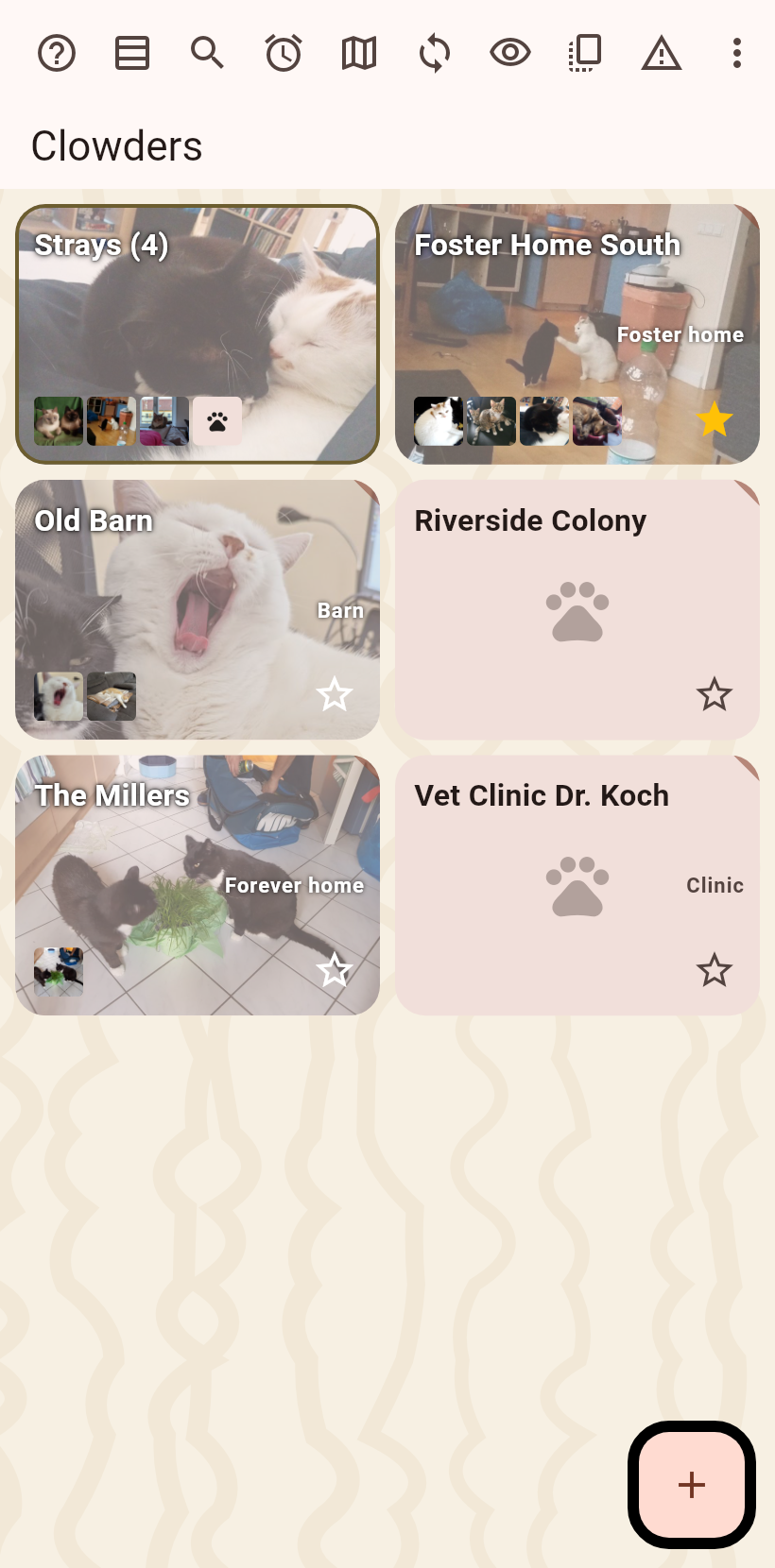
The home screen lists your clowders, the places cats live. The button at the bottom right makes a new one; its page opens, and the plus on it adds the first cat. Step by step in the flow Add a home and a cat.
What a cat carries#
A cat's page holds its photos, its fields and what is planned for it. The pen turns on editing; in read mode a hold on a field edits it straight away. Weight is a measurement: enter it and the page draws its course. See A cat and the flow Weigh a cat.
A chore#
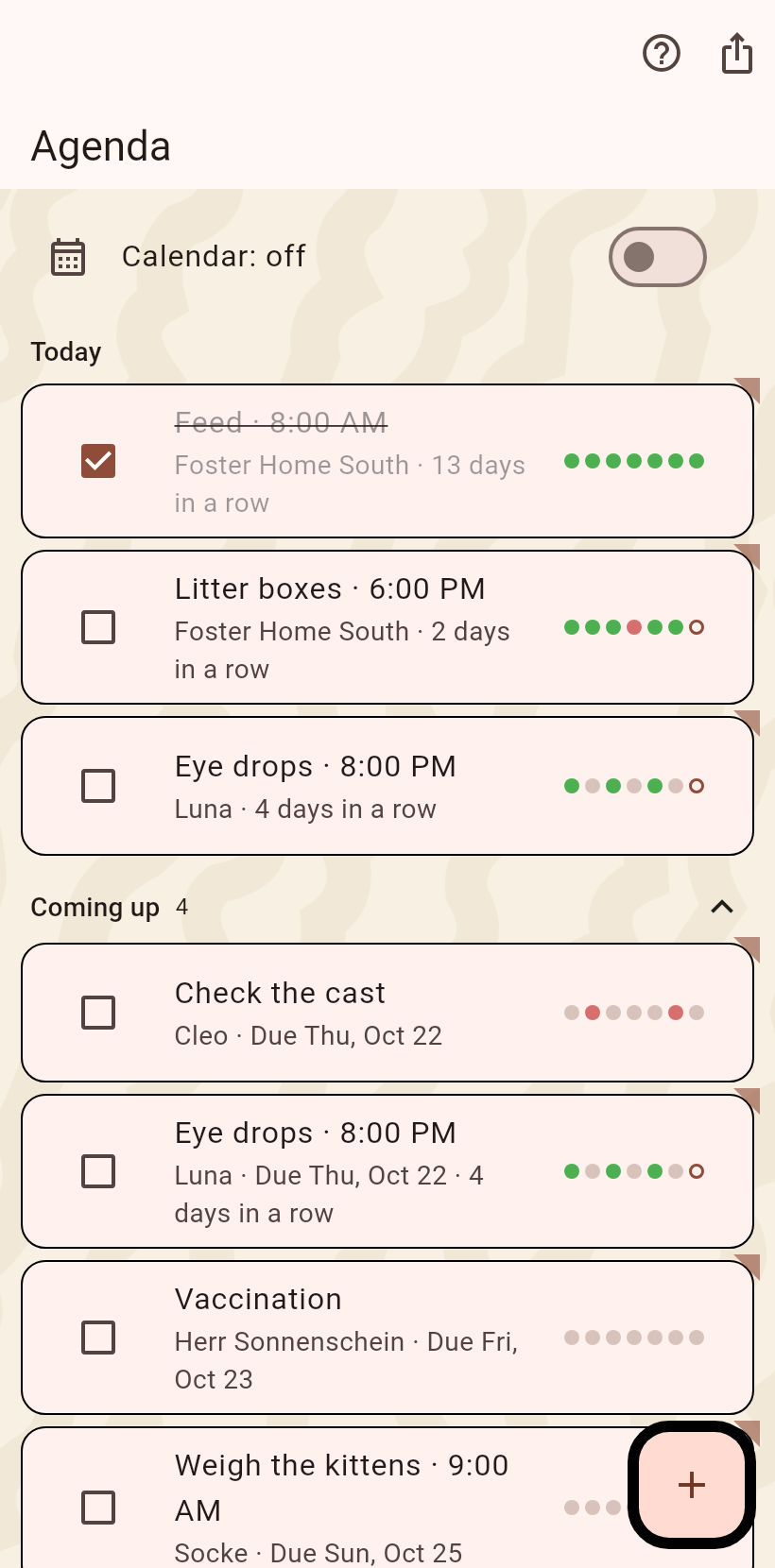
The agenda holds the recurring work, feeding, litter, medicine, with a tick per day and a streak, and the appointments with a date. The plus adds a chore; from then on it stands under Today. See The agenda.
A partner#
Your knowledge reaches a partner without a server. The quickest start is a shared folder: both phones pick the same folder on a cloud client once, and every sync exchanges changes through it. See Sync and the flow Set up a shared folder.
Where to go from here#
Every screen of the phone has a page in the Phone track. When something is unclear, the question mark in the top bar of every screen opens its help, and the troubleshooting page has the way out when something is wrong.