
Documentation for v2.4.1. Read the latest, v2.5.0.
Phone
Photos
A cat's photos come from the camera, the gallery or the frames of a video. One of them is the profile image shown in every list.
Adding photos#
The plus on a cat's page fans out the ways: take a photo, choose from the gallery, from a video. A video plays in its own page; the slider seeks, play and pause, steps of one frame, and the kept frames are offered to the crop step one after the other at the video's full size.
Crop and mark#
Crop cuts one cat out of a photo, on import or later from the photo's menu; cropping later adds the cut as a new photo, the original stays. Mark bakes an ellipse into a copy of a photo to point at one cat when cropping cannot isolate it.
The viewer#
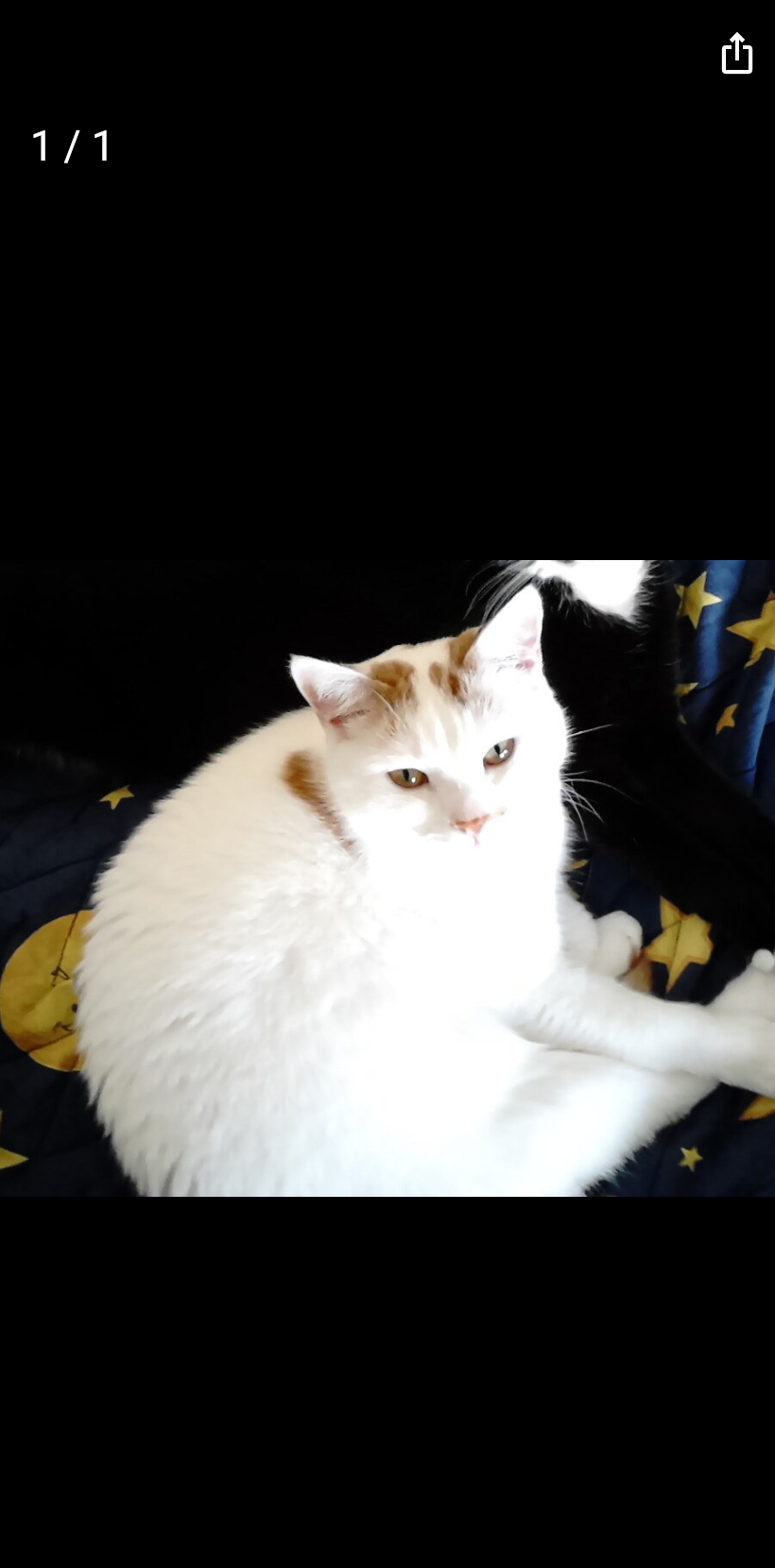
A tap on a photo opens it full size; swipe through the cat's photos, share one. A hold on a photo in the page offers profile image, crop, mark, share and remove.
What never travels#
Camera location metadata is stripped from every stored photo, so where a picture was taken never reaches a shared folder.